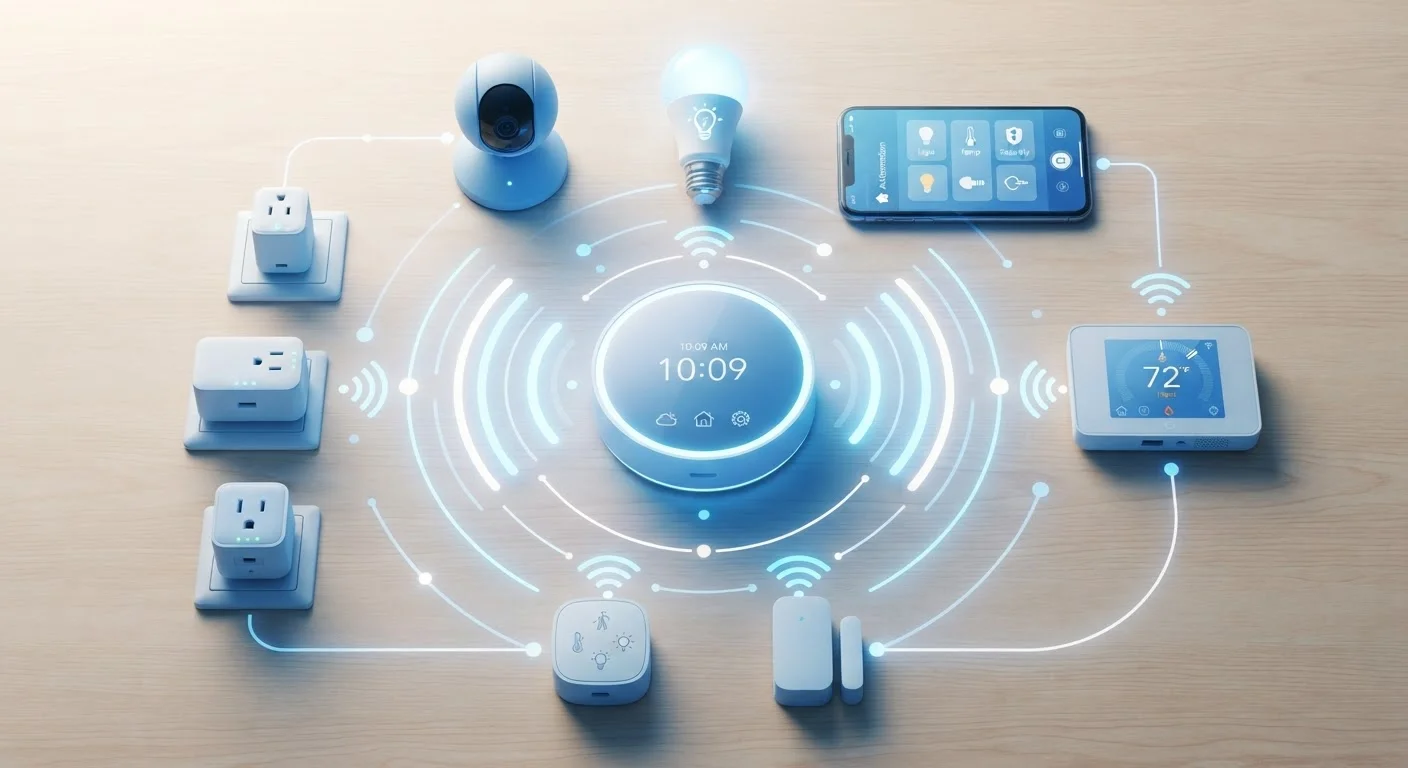
Why the Protocol Matters More Than You Think
When you buy a smart bulb or door sensor, the box usually lists a protocol — Z-Wave, Zigbee, Wi-Fi, or Thread. Most people skip past it. But that small label determines how the device connects, how reliably it responds, and whether it will work with the hub or app you already own.
Think of wireless protocols the way you'd think of languages. A device that speaks Zigbee can't directly talk to one that only speaks Z-Wave, even if both sit on the same shelf. Understanding the four main protocols lets you build a system that actually holds together — rather than discovering incompatibilities after installation.
For a deeper look at how smart home control layers work on top of these connections, see how automations, routines, and scenes differ.
| Z-Wave frequency (US) | ~908 MHz (Z-Wave Alliance specification) |
| Zigbee frequency | 2.4 GHz (IEEE 802.15.4 standard) |
| Maximum Z-Wave nodes per network | 232 devices (Z-Wave Alliance specification) |
| Thread network protocol base | IPv6 (Thread Group specification) |
| Hub required | Z-Wave: Yes; Zigbee: Yes; Wi-Fi: No; Thread: Border router needed |
| Battery-device suitability | Z-Wave and Zigbee: High; Wi-Fi: Low; Thread: High (General industry consensus) |
Z-Wave and Zigbee: The Mesh Specialists
Z-Wave operates on a dedicated frequency (around 908 MHz in the US) that keeps it separated from the crowded 2.4 GHz band used by Wi-Fi and many other household electronics. Devices form a mesh network — each node can relay signals to others, extending range without a direct router connection. Z-Wave enforces strict interoperability standards, which historically meant devices from different manufacturers worked together reliably. The trade-off is a device limit of 232 nodes per network and the need for a compatible hub.
Zigbee also uses mesh networking but runs on the 2.4 GHz band, making it potentially susceptible to Wi-Fi interference. It supports significantly more devices per network and tends to be less expensive to manufacture, which is why it appears in a wide range of budget-friendly smart home products. Zigbee's ecosystem is large but less uniform — not every Zigbee device works with every Zigbee hub without some configuration.
Both protocols are notably power-efficient, making them well-suited for battery-operated devices like motion sensors, door contacts, and leak detectors. If you're evaluating smart switches alongside these sensors, check how your home's wiring affects which switches are compatible.
Wireless protocol
A standardized set of rules governing how devices communicate wirelessly. It defines the radio frequency, data format, and security method used so that compatible devices can exchange information reliably.
Mesh network
A network topology where each device can relay signals to other nearby devices, rather than requiring a direct connection to a central hub. This extends coverage and adds redundancy.
Matter
An industry-backed smart home interoperability standard that uses Thread (and Wi-Fi) as its underlying transport. Devices certified for Matter are designed to work across multiple platforms without brand lock-in.
Hub / Border router
A central device that connects one wireless protocol's network to another — for example, bridging a Zigbee mesh to your home's IP network. Thread border routers perform a similar role for Thread devices.
2.4 GHz band
A radio frequency band used by Wi-Fi, Zigbee, and Bluetooth, among others. Its wide adoption means devices sharing this band can interfere with one another if channels overlap.
Wi-Fi and Thread: Direct and Future-Facing
Wi-Fi is the protocol most people already understand because it's the same technology connecting laptops and phones. Wi-Fi smart devices join your existing router network directly — no separate hub required. That convenience comes at a cost: each device occupies a slot on your router, consumes more power than mesh-native protocols, and adds to network congestion. A poorly configured or overloaded network is a common source of smart home frustration. The article on running a smart home on a mesh Wi-Fi network covers how to address this systematically.
Thread is the newest of the four. Like Z-Wave and Zigbee, Thread builds a mesh network — but it's built on standard internet networking principles (IPv6), meaning devices get real network addresses and can theoretically communicate more directly with cloud services. Thread is a core part of the Matter smart home standard, which major platform developers have rallied around as a path to cross-brand compatibility. Thread requires a Thread border router (built into some smart speakers and hubs) to bridge to the broader internet.
4,000+
Matter-certified device models available
As reported by the Connectivity Standards Alliance (CSA), reflecting rapid growth in the Matter ecosystem since its 2022 launch.
~250 ft
Typical indoor Z-Wave mesh range per hop
Range figures vary by environment; walls and interference can reduce effective distance significantly.
65,000+
Maximum Zigbee devices per network
Theoretical maximum per the Zigbee specification; practical deployments are far smaller.
For context on how device security interacts with the protocol you choose, smart home security fundamentals are worth reviewing before you expand your setup.
Choosing the Right Protocol for Your Setup
There's no universally superior protocol — each suits different priorities:
- Z-Wave: Best for reliability-focused setups where device-to-device consistency matters; requires a hub but rewards you with a stable, interference-resistant mesh.
- Zigbee: Strong choice for large deployments of lower-cost sensors and bulbs; hub required, and managing 2.4 GHz channel overlap with Wi-Fi helps performance.
- Wi-Fi: Ideal when you want plug-and-play simplicity for a modest number of devices and already have solid router coverage.
- Thread/Matter: Worth considering for any new purchases if long-term cross-platform compatibility is a priority; ecosystem support is growing steadily.
Many households end up using two protocols side by side — for example, Wi-Fi for smart speakers and Thread/Matter-compatible devices for sensors. A hub or smart home controller that bridges multiple protocols can simplify that juggling act considerably.
If you're still weighing the broader decision of which devices to bring into your home at all, a practical look at smart home devices before you commit addresses the real-world trade-offs around privacy, cost, and complexity.