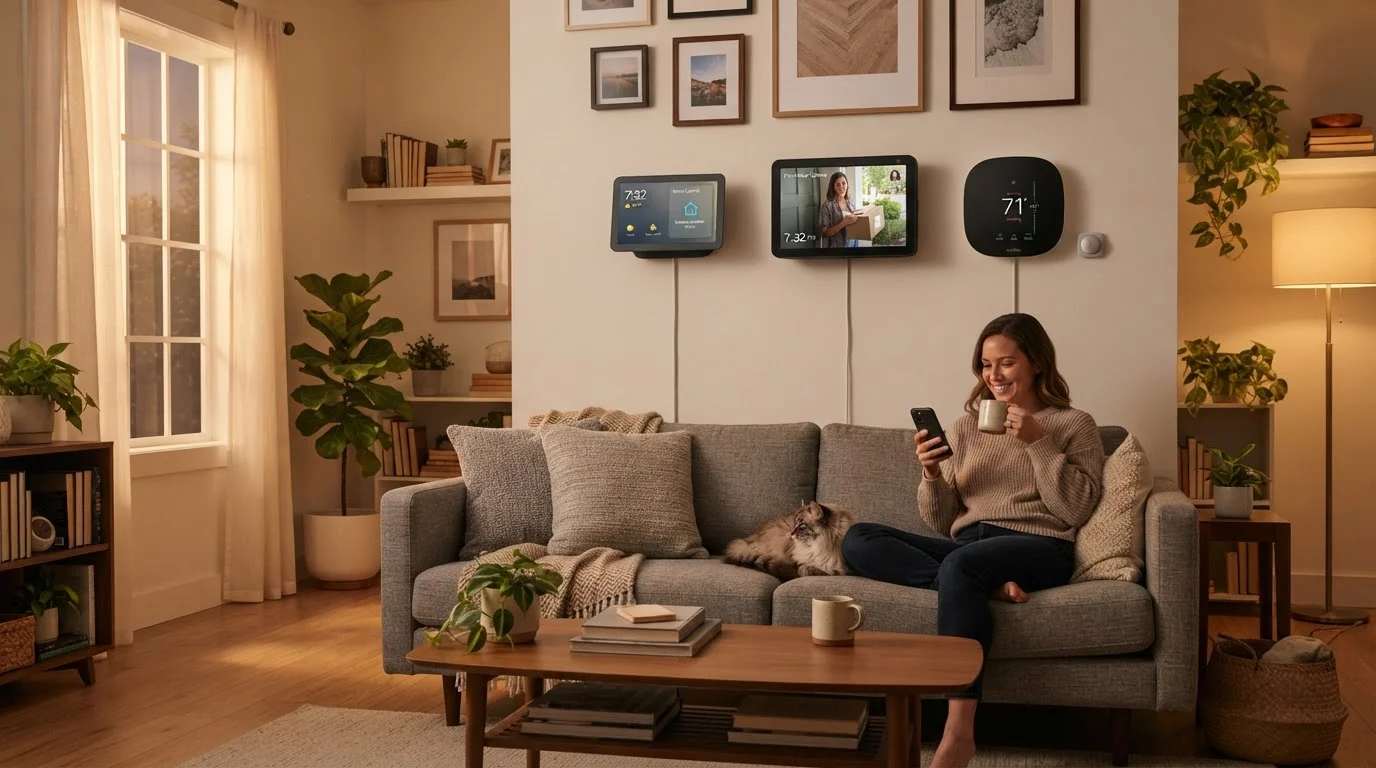
What Smart Devices Actually Collect — by Device Type
Not all smart devices record the same things, and the differences matter. Understanding each category helps you make clearer decisions about what to bring into your home. For a broader look at what the term covers, see what 'smart home' actually means.
Smart Speakers and Voice Assistants
These devices listen locally for a wake word at all times, but they don't continuously stream audio to company servers. Once the wake word is detected, a short audio clip is sent to the cloud for processing. That clip may be stored, reviewed by employees for quality purposes, or used to improve voice recognition — depending on the company's policy. Most platforms let you review and delete these recordings through the companion app.
Smart Doorbells and Security Cameras
Video cameras are the most data-intensive smart home devices. They can record continuously, in motion-triggered bursts, or only when you manually activate them. Footage is stored locally (on a memory card or hub), in the cloud, or both. Cloud storage typically requires a subscription, and the company's terms determine how long video is retained and who can request access to it.
Smart Thermostats and Energy Devices
These devices collect operational data: temperature settings, schedules, how often the system runs, and sometimes occupancy signals from built-in motion sensors. There is no audio or video involved. This data is used to improve energy efficiency and, in aggregate, may be shared with utility partners or used in internal research.
Smart Plugs, Lights, and Appliances
Lower on the data-collection spectrum, these devices primarily log on/off schedules and usage duration. Some track power consumption. The data stays fairly mundane — but it still travels through your home network and the manufacturer's cloud infrastructure.
Where Your Data Goes After It Leaves the Device
When a smart device sends data to the cloud, it travels to servers managed by the device manufacturer or a third-party cloud provider. The cloud is, in practical terms, someone else's computer — which means your data is stored under that company's security practices and legal obligations, not your own.
From those servers, data can flow in several directions:
- Internal analytics: Used to improve the device's performance or train AI models.
- Third-party partners: Some manufacturers share anonymized or aggregated data with advertisers, utility companies, or research firms. Privacy policies are required to disclose this, though the language is often dense.
- Law enforcement: Companies may respond to legal requests for stored data, including video footage. Policies on proactive sharing vary and are worth checking before you buy.
This is why reading a privacy policy before purchase — not just skimming it — is genuinely useful. Look specifically for sections on data sharing, retention periods, and law enforcement cooperation. The same scrutiny applies to app permissions on your smartphone, which often extend the data reach of your smart home devices.
“Privacy policies are contracts, not summaries. Most people don't read them, but the sections on data sharing and law enforcement cooperation are the ones that actually affect you in practice.”
— Electronic Frontier Foundation, Digital rights organization focused on consumer privacy and technology law
What You Can Actually Control
The good news is that most smart home platforms give you more control than many users realize — it just requires knowing where to look.
Start With a Five-Minute App Audit
Open the app for each smart device in your home and navigate to Privacy or Data Settings. Look for options to delete stored recordings, disable advertising personalization, and review what third-party services are connected. Doing this once per device takes only a few minutes and gives you a clearer picture of your current exposure.
In-App Privacy Settings
Every major smart home platform has a companion app with privacy or data settings. Common controls include: deleting stored voice recordings, turning off personalization features, limiting data sharing for advertising, and disabling always-on microphone features when you're not using them.
Network-Level Controls
Your home router is a surprisingly powerful privacy tool. Creating a separate Wi-Fi network (a guest network) for smart devices isolates them from your primary computers and phones, limiting what they can see or reach on your local network. For a full picture of related steps, locking down your devices and network covers practical configurations without requiring technical expertise.
Before You Buy
Device selection is itself a privacy decision. Some manufacturers publish detailed transparency reports or offer local-processing options that reduce cloud dependence. Understanding the honest trade-offs of a connected home can help you weigh convenience against the privacy considerations that come with each category of device.
~25%
US households with a smart speaker
According to Pew Research Center survey data, roughly one in four US adults reported owning a smart speaker as of recent years.
69%
Adults concerned about data collection by devices
A Pew Research Center survey found a substantial majority of Americans are concerned about how companies use data collected by connected devices in the home.
Varies widely
Cloud video retention by provider
Retention periods for cloud-stored doorbell footage range from a few days to 60 days depending on the platform and subscription tier — a detail often buried in service terms.