How Each Technology Actually Works
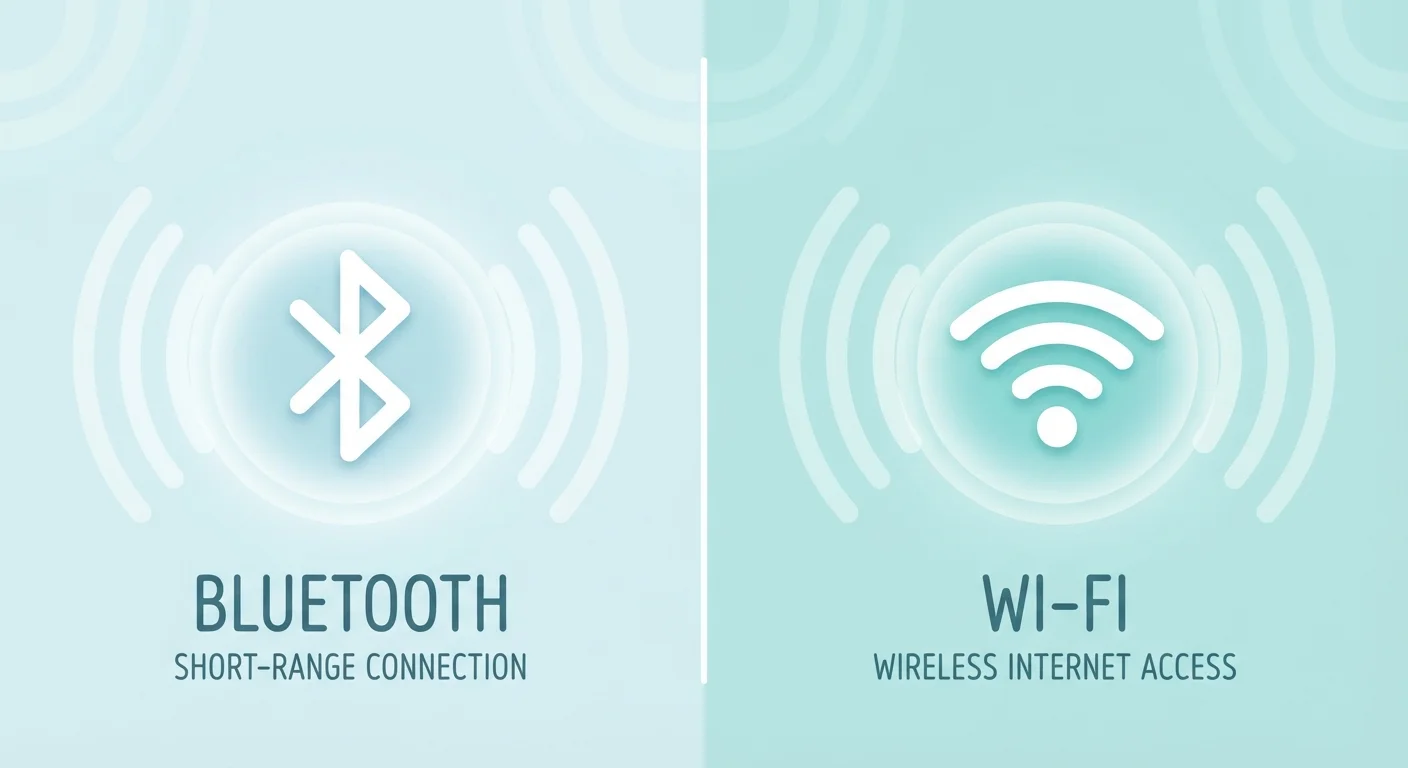
At a fundamental level, both Bluetooth and Wi-Fi use radio waves to send data through the air — but they operate on different frequencies, at different power levels, and for different purposes.
Bluetooth typically operates in the 2.4 GHz radio band and is designed for short-range communication, generally within about 30 feet for standard devices. It creates a direct link — called a piconet — between two or more paired devices without needing a router or any other infrastructure. Newer versions like Bluetooth 5.0 extend range and improve speed, but the core principle stays the same: two devices talk directly to each other.
Wi-Fi also commonly uses the 2.4 GHz band, with many modern routers adding a 5 GHz or 6 GHz band for faster speeds. Unlike Bluetooth, Wi-Fi doesn't connect devices directly to each other — it connects them to a router, which then manages access to a local network and the broader internet. That infrastructure step is what enables Wi-Fi to support multiple devices simultaneously at much higher speeds. For a deeper look at what happens the moment your device joins a network, see what actually happens when you connect to Wi-Fi.
| Criterion | Bluetooth | Wi-Fi |
|---|---|---|
| Typical range | ~30 feet (standard) | 100–300+ feet indoors |
| Requires a router | No | Yes |
| Data speed | Up to ~3 Mbps (classic) | Hundreds of Mbps to Gbps |
| Power consumption | Very low (BLE) to moderate | Moderate to high |
| Common use cases | Audio, wearables, peripherals | Internet access, streaming, smart home hubs |
| Device pairing | Direct device-to-device | Via router/access point |
| Simultaneous connections | Up to 7 active (piconet) | Many dozens via router |
Range, Speed, and Power: The Trade-Offs That Matter
Choosing between Bluetooth and Wi-Fi usually comes down to three practical factors: how far apart your devices are, how much data they need to move, and how much battery they can afford to use.
~3 Mbps
Peak speed of Classic Bluetooth
Bluetooth 5.0 raises throughput versus older versions, but Wi-Fi still outpaces it by a wide margin for data-heavy tasks.
Years
Battery life on Bluetooth Low Energy devices
BLE sensors and trackers can run on a small coin-cell battery for one to several years, depending on transmission frequency.
6 GHz
Newest Wi-Fi frequency band (Wi-Fi 6E)
The 6 GHz band, introduced with Wi-Fi 6E, reduces congestion and increases bandwidth in environments with many connected devices.
Range: Standard Bluetooth has a working range of roughly 30 feet. Wi-Fi routers routinely cover hundreds of feet indoors, and a mesh system can blanket an entire home. If your devices need to communicate across a house, Wi-Fi wins outright. For more on building a whole-home wireless network, running a smart home on a mesh Wi-Fi network is worth exploring.
Speed: Wi-Fi is substantially faster. Even older Wi-Fi standards deliver many times the throughput of Bluetooth. This gap is critical for video streaming, large file transfers, or any application where data volume is high. Bluetooth's bandwidth is adequate for audio, sensor readings, and control signals — but not for anything that demands a heavy data pipe.
Power: Bluetooth Low Energy (BLE), the variant used in fitness trackers, smart sensors, and wireless peripherals, is extraordinarily efficient. A small coin-cell battery can keep a BLE device running for months or years. Wi-Fi radios draw significantly more power — a reason why most Wi-Fi smart home devices are mains-powered rather than battery-operated.
Where Each Shows Up in Daily Life
Understanding the everyday context helps make the technical differences concrete.
Bluetooth in practice: Your wireless earbuds, car audio system, keyboard, fitness tracker, and smart watch all rely on Bluetooth. The technology handles the direct, personal-device layer of your wireless life — the connections that feel immediate and personal. Even in your car, Bluetooth handles hands-free calling and audio streaming. For more on how connectivity works in modern vehicles, see our overview of connectivity features in today's new cars.
Wi-Fi in practice: Your laptop, smart TV, streaming stick, and most smart home hubs connect via Wi-Fi. Any task that involves pulling data from the internet — loading a webpage, streaming a show, updating a device's firmware — is almost certainly happening over Wi-Fi. Smart home devices in particular tend to split between Wi-Fi and other protocols. The wireless protocols powering smart home devices article explains where Zigbee, Z-Wave, and Thread fit alongside Wi-Fi in connected-home setups.
When Both Radios Are Active at Once
Many smartphones and smart speakers run Bluetooth and Wi-Fi simultaneously without conflict. Manufacturers engineer both radios to coexist, though in congested environments — where many devices share the 2.4 GHz band — you may notice interference. Switching your Wi-Fi to the 5 GHz band often resolves this, since Bluetooth operates only on 2.4 GHz.
Some smart devices combine both: a hub might connect to your router via Wi-Fi while communicating with individual sensors over Bluetooth. Understanding this distinction helps when troubleshooting why a device goes offline when your router reboots versus when your phone moves out of range. For a closer look at how smart device connectivity shapes reliability, explore local processing vs. cloud-dependent smart devices.