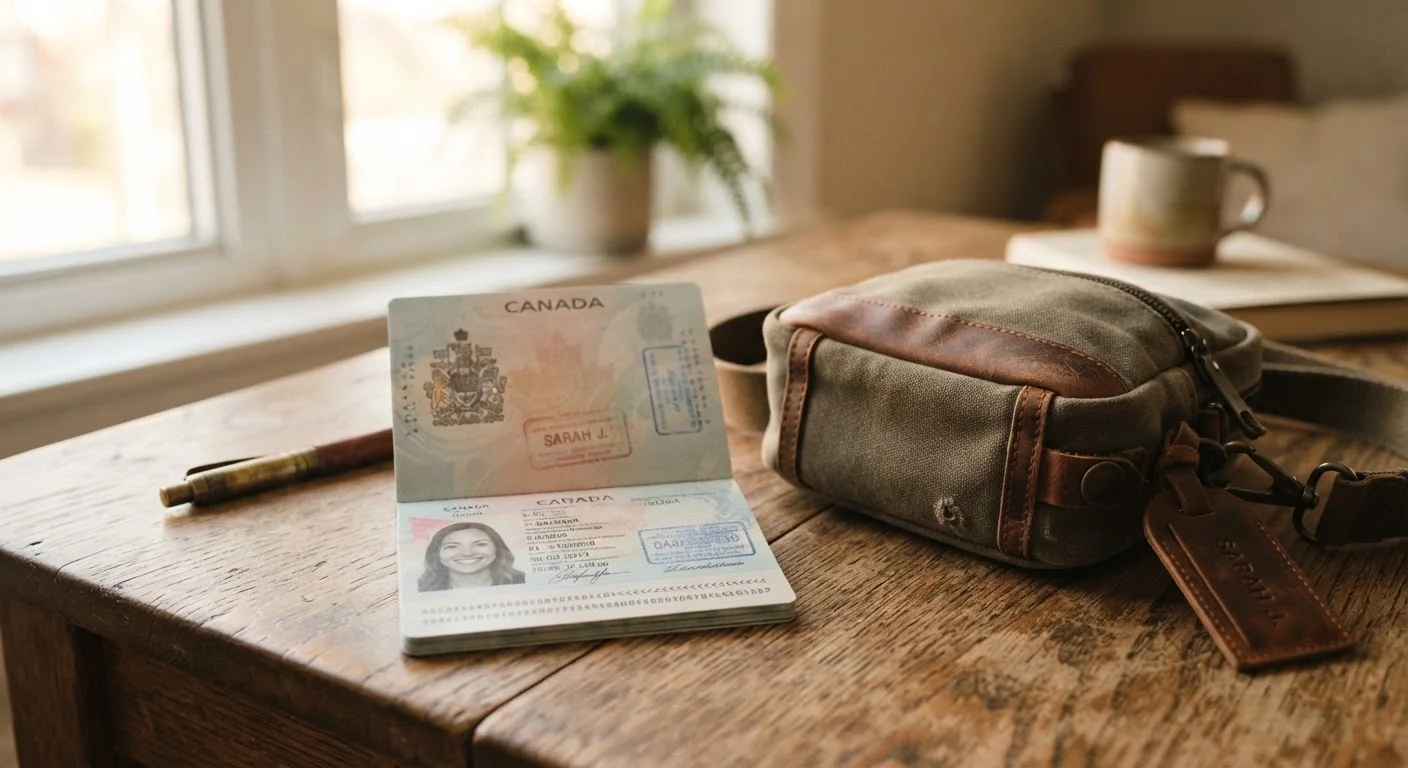
The Photocopy Myth — Why One Step Isn't Enough
The advice to photocopy your passport before traveling is decades old — and it's not wrong, exactly. A paper copy can confirm your passport number, issue date, and photo if you need to file a police report or start an embassy claim. The problem is that travelers too often treat this single step as a complete document protection strategy, when it's actually just one component of a more robust approach.
A photocopy can be lost, soaked, or stolen alongside the original. It carries no legal standing on its own for crossing borders. And it tells you nothing about where to go or who to call in an emergency. For a fuller pre-departure document strategy, our pre-departure checklist covers documents alongside finances, health prep, and communication plans.
Relying solely on a paper photocopy as your backup document.
Why it happens: Travelers are often told to 'make a copy' as a precaution, which creates a false sense of complete preparedness.
Storing digital copies in an unsecured email draft or unprotected cloud folder.
Why it happens: Email feels convenient and always accessible, so travelers email scans to themselves without considering account security.
Carrying your original passport everywhere rather than securing it at your accommodation.
Why it happens: Travelers worry they'll need ID at any moment, so they keep the original on their person throughout the day.
Not knowing where the nearest embassy or consulate is before an emergency occurs.
Why it happens: Most travelers expect nothing will go wrong, so embassy details feel like unnecessary preparation.
Failing to register with your government's traveler registration program before international trips.
Why it happens: These programs are underutilized because travelers are unfamiliar with them or consider registration a bureaucratic step.
Smarter Backup Strategies That Actually Work
A layered backup approach addresses the gaps a single photocopy leaves open. The core elements are straightforward: a secure paper copy stored separately from the original, a digital scan protected behind a strong password and two-factor authentication, and your passport number written down somewhere accessible offline.
Lost Passport? Contact Authorities Immediately
If your passport is lost or stolen abroad, report it to local police first, then contact the nearest U.S. embassy or consulate. A police report is typically required for emergency passport processing. Delaying this step can significantly extend the time before you can travel again. Always verify current procedures with the U.S. Department of State's official website before you travel.
Where travelers most commonly go wrong with digital backups is convenience: an unprotected email draft or an open shared folder feels accessible, but it's also vulnerable. If your email account is compromised — a real risk on public Wi-Fi abroad — so is your identity information. Encryption and access controls matter more when you're traveling than at home.
~50,000
U.S. passports reported lost or stolen annually
According to U.S. Department of State data, tens of thousands of American passports are reported lost or stolen each year, with the majority occurring while abroad.
3–8 weeks
Standard replacement processing time
Routine emergency passport replacement through a U.S. embassy typically takes several business days to weeks; emergency appointments can shorten this but are not guaranteed.
Beyond documents themselves, knowing the physical location and emergency contact for your nearest embassy before you leave home is among the highest-value safety preparations a traveler can make. It takes minutes to look up and can save hours — or days — in a crisis. The complete travel safety resource covers this alongside other on-the-ground emergency habits worth building before any international trip.