How Screen Time Tracking Tools Actually Work
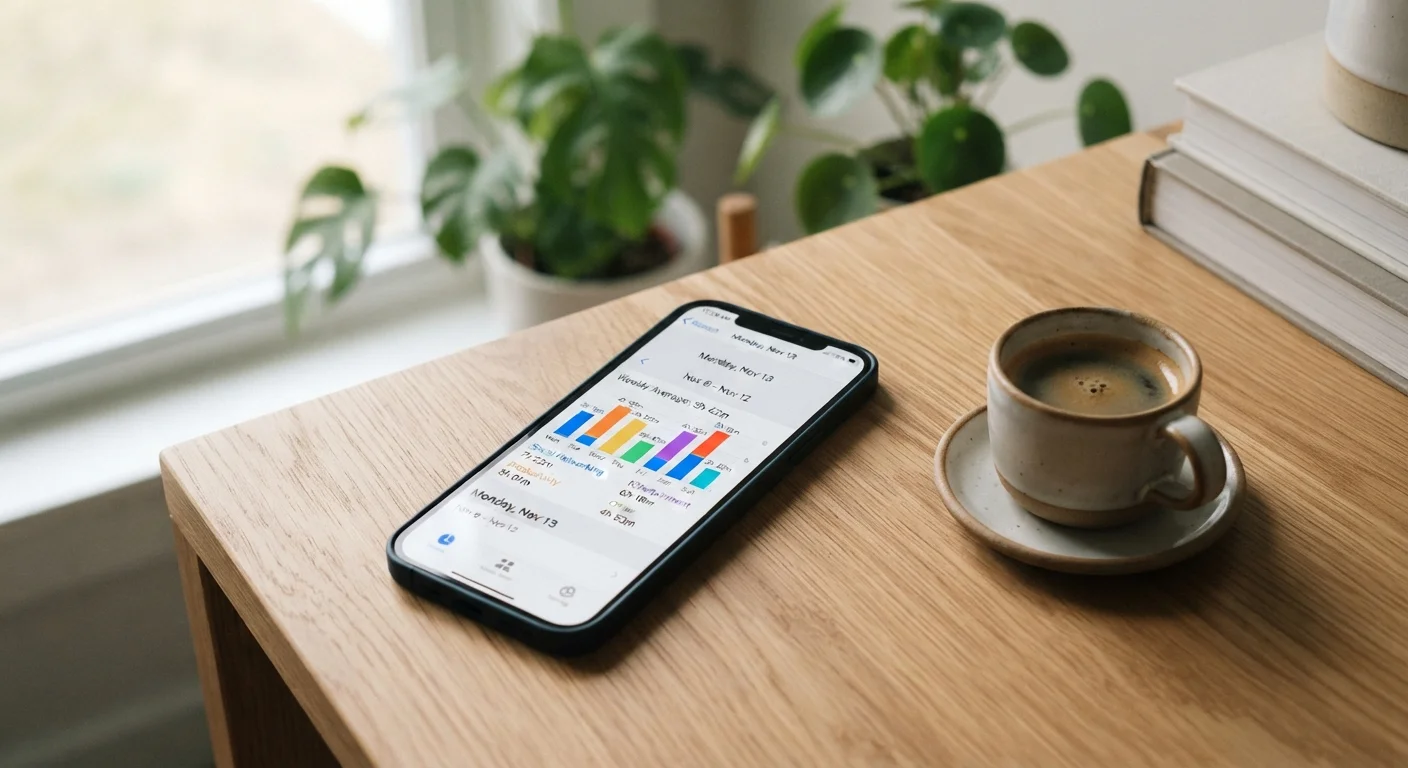
Most modern smartphones — both iOS and Android — come with built-in screen time dashboards that monitor how long you spend in each app, how often you pick up your phone, and when during the day you're most active. Third-party apps extend these basics with more granular reports, scheduled downtime windows, and app-blocking features.
The core mechanism is passive logging: your device records usage data in the background and presents it as daily or weekly summaries. Some tools add friction by displaying usage prompts mid-session or requiring a PIN to bypass a set limit. The underlying theory is drawn from behavioral psychology — specifically, that making a habit visible is the first step toward changing it.
Understanding what these tools measure — and what they can't — is a useful parallel to how we interpret data from wearables. Our article on wearable health trackers and their limitations explores why data literacy matters just as much as the data itself.
What Tracking Tools Can't Measure
Screen time dashboards record duration and frequency of app use, but they can't assess quality of engagement — whether your time was purposeful, social, or mindlessly habitual. They also don't capture screen exposure from televisions, laptops, or other devices, meaning your full picture of screen time is almost always larger than what your phone reports. Use these numbers as an indicator, not a complete accounting.
The Pros: Where These Apps Genuinely Deliver
When used intentionally, screen time trackers offer real advantages for people trying to build healthier digital habits.
Creates genuine awareness of usage patterns
Many people significantly underestimate how much time they spend on their phones. Seeing an accurate weekly total — broken down by app — can be a meaningful reality check that prompts reflection.
Surfaces which apps consume the most time
Knowing that social media accounts for 70% of your screen time is more actionable than a vague sense of overuse. Granular breakdowns allow targeted behavior changes rather than blanket restrictions.
Allows parents to set structured boundaries
For households with children, built-in parental controls can schedule downtime and restrict specific app categories — providing a consistent structure that doesn't rely on constant negotiation.
Low barrier to entry with no extra cost
Both iOS Screen Time and Android Digital Wellbeing are built into the operating system, requiring no download or subscription — making them accessible to anyone with a modern smartphone.
Supports goal-setting with weekly progress data
For users who set a concrete target — such as reducing social media use by 30 minutes per day — weekly trend data provides feedback that reinforces the goal and makes progress visible.
If you want to go deeper into reviewing your overall digital footprint, our personal digital audit checklist walks you through a structured self-assessment covering apps, notifications, and sleep routines.
The Cons: Why Tracking Alone Often Falls Short
The evidence on whether screen time apps actually reduce usage is genuinely mixed, and there are several structural reasons why they frequently underperform.
Limits are trivially easy to bypass
Most built-in app timers can be dismissed with a single tap on an "Ignore Limit" prompt. Without meaningful friction or external accountability, motivated users routinely override their own restrictions.
Awareness doesn't automatically produce behavior change
Research in behavioral science consistently shows that information alone is rarely sufficient to shift ingrained habits. Knowing you spent four hours on your phone yesterday doesn't directly prevent the same pattern today.
Can trigger anxiety rather than relief
Some users report that monitoring their usage increases stress and self-judgment without reducing actual time spent. The tracking itself becomes a source of negative emotion rather than a constructive tool.
Doesn't distinguish between passive and active screen use
Thirty minutes of a video call with family and thirty minutes of aimless scrolling register identically in most dashboards. This lack of nuance makes the data less useful as a quality-of-use indicator.
Third-party apps require broad data permissions
More feature-rich tracking apps often need extensive access to usage data and sometimes location information — a privacy trade-off that not all users will be comfortable making.
~4 hrs
Average daily US smartphone use per adult
Data from multiple mobile analytics firms consistently places average US adult smartphone use in the range of three to five hours daily, with significant variation by age group.
~58%
Users who override their own app limits
A study published in PLOS ONE found that a majority of participants who set screen time limits chose to bypass them at least once during the study period, highlighting the gap between intent and action.
One important parallel: research into mindfulness apps versus unguided practice reveals a similar pattern — digital tools can scaffold a behavior, but they can't supply the internal motivation that makes change stick.
Getting More Out of Your Screen Time Data
Rather than relying on app limits as a self-enforcing system, treat your usage data as diagnostic information. Identify the specific contexts — boredom, stress, habit — that drive your heaviest use, then design environmental changes that address those triggers directly.
Phone-free spaces are one of the most consistently recommended behavioral strategies. Creating a bedroom with no devices, for example, removes the temptation entirely rather than depending on willpower or a bypassable app limit. Our practical guide to setting up a device-free bedroom covers exactly how to do this step by step.
For families, screen time tools also serve an important monitoring and conversation-starting function — though the research on children and screens is more nuanced than headlines suggest. See our breakdown of children, screens, and development for a research-grounded perspective.
The most effective approach treats tracking apps as a mirror, not a solution. Use the data to ask better questions about your habits, then make structural changes — scheduled phone-free time, notification audits, and intentional offline activities — that don't require you to fight against your own device every day.