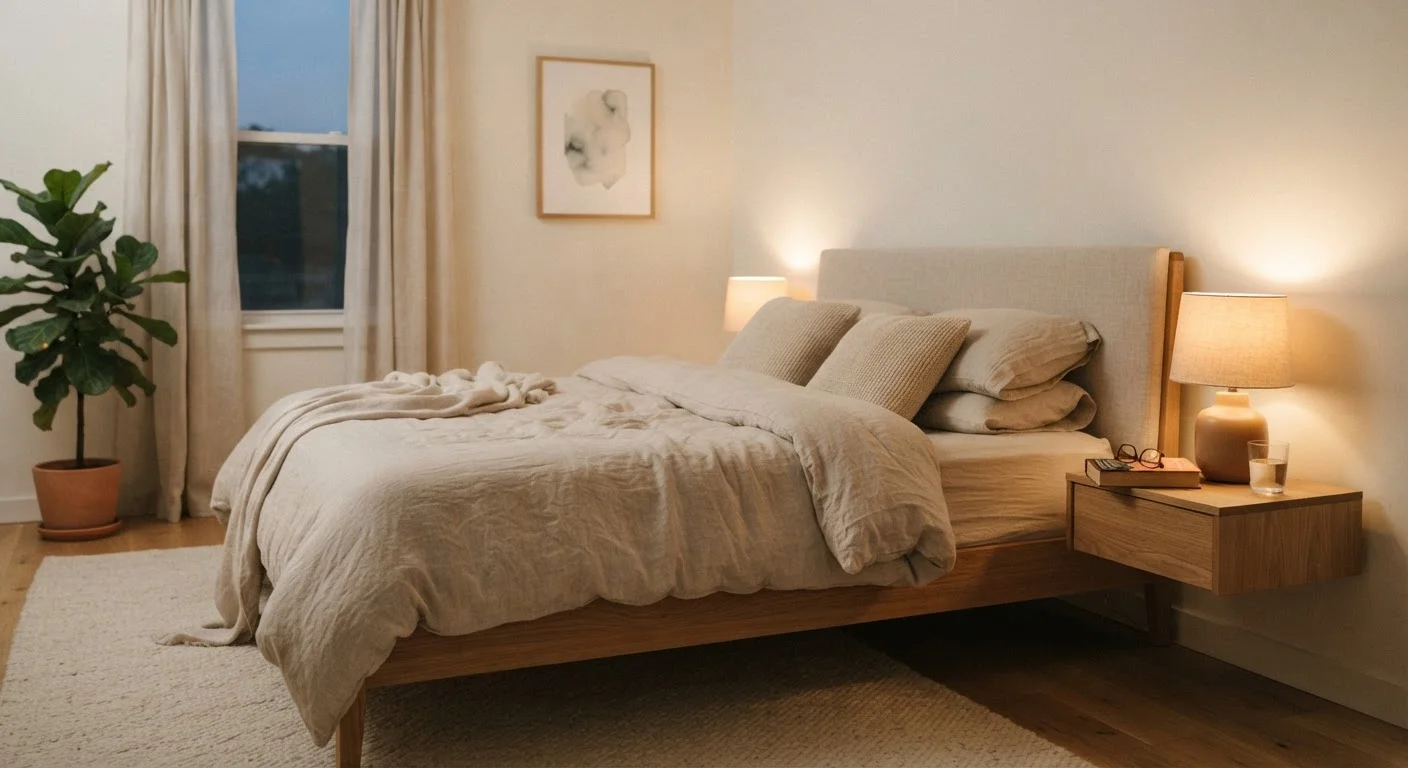
Why the Bedroom Specifically Matters
Sleep researchers have long identified the bedroom environment as a significant factor in sleep quality. The issue isn't just screen time totals — it's the timing and location of use. Screens emit short-wavelength blue light that suppresses melatonin production, the hormone that helps regulate the sleep-wake cycle. Using a device in the hour before bed, or with the device physically present in the room, has been associated with delayed sleep onset and lighter sleep in general health research.
There's also a psychological dimension. When a phone is on the nightstand, the potential for notifications — even silenced ones — keeps part of the brain in a vigilant state. The bedroom loses its association with rest and becomes an extension of the information environment. This is sometimes called stimulus control erosion: the space no longer reliably signals sleep to the brain.
For a broader look at how connected devices affect daily wellbeing, see this complete overview of technology and wellbeing. If you have children and are thinking about screens in shared spaces, the research on children and screen development is worth reviewing separately.
What you will need
What You'll Need Before You Start
This walkthrough requires only a few practical items and a bit of preparation. Most of the effort is behavioral rather than technical — you're reconfiguring habits, not installing new systems.
Dedicated alarm clock
Replaces your phone as a wake-up tool so the phone can stay out of the bedroom overnight.
Physical book or magazine
Provides a screen-free alternative to scrolling before sleep.
Smart plug or smart speaker (bedroom-free zone config)
Allows you to control lights or a white-noise device without keeping a phone nearby.
Charging station (outside the bedroom)
Creates a fixed, convenient place to charge all devices overnight outside the sleep space.
Do Not Disturb schedule (phone settings)
Silences non-emergency notifications during sleep hours so urgent calls still get through.
If you're curious about the broader landscape of smart home setups and how devices integrate across rooms (not just the bedroom), setting up a smart home without getting overwhelmed offers a useful counterpoint — it can help you think about where technology serves you and where it doesn't.
Step-by-Step: Making It Happen
Follow these steps in order where possible — each one builds on the last. The most common reason device-free bedroom attempts fail is that people skip step two and find the phone drifting back in within days.
Audit what's currently in your bedroom
Walk through your bedroom and make a mental or written list of every device present: smartphone, tablet, laptop, TV, smart speaker, smartwatch charging on the nightstand. Include anything with a screen or wireless connectivity. This baseline makes the next decisions concrete rather than vague.
Solve the alarm clock problem first
The single most common reason phones stay in the bedroom is the alarm function. Purchase or repurpose a standalone alarm clock before you commit to any other change. Once you have a reliable non-phone alarm, you eliminate the primary excuse for the phone's presence.
[warning_callout]Set up a charging station outside the bedroom
Designate a consistent spot — a hallway shelf, kitchen counter, or living room side table — where all devices charge overnight. Having a fixed, convenient location removes the friction of figuring out where to leave devices each night. Plug in your phone there as a deliberate, repeatable ritual before your wind-down routine begins.
Configure Do Not Disturb so emergencies still reach you
A common concern about leaving the phone out of the bedroom is missing urgent calls. Most smartphones allow you to schedule a Do Not Disturb window that silences general notifications while letting calls from select contacts — or repeated calls within a short window — come through. Configure this before your first night to remove the anxiety of being unreachable.
Replace screen habits with physical alternatives
Most pre-sleep screen use is habit-filling rather than purposeful: scrolling, checking apps, watching videos. Replace these with low-stimulation physical alternatives — a book, a notepad for journaling, or light stretching. The key is having the alternative ready and within reach on the nightstand before you want to use it. Friction works in both directions: make the screen harder to reach and the alternative easier.
[tip_callout]Address remaining connected devices in the room
Once the phone is handled, revisit your original audit. A bedroom TV is worth evaluating — even passive viewing delays sleep onset for many people. Smart speakers can often remain if they're not screen-based and are configured to avoid interrupting sleep hours. A smartwatch is a personal call; many people find the sleep-tracking benefit worthwhile, while others prefer removing it entirely. Decide device by device rather than all at once.
Troubleshooting Common Setbacks
Most people hit one of three obstacles in the first week:
- "I keep going back for my phone to check the time." This means the alarm clock isn't visible enough. Move it to where the phone used to sit, or add a small bedside clock.
- "I can't fall asleep without something to watch or listen to." Audiobooks or podcasts played on a simple Bluetooth speaker (without a screen) can bridge this gap. The goal is reducing visual stimulation, not all audio.
- "My partner doesn't want to change." You don't need to redesign the room for both people at once. Start with your own nightstand and charging habits. Shared changes tend to follow when one person sees consistent results.
Consistency over time matters more than a perfect first night. Even reducing device presence in the bedroom — rather than eliminating it entirely — can yield meaningful improvements in how quickly you fall asleep and how rested you feel in the morning. That said, if sleep problems persist despite environmental changes, a qualified healthcare provider is the right next step.
This Is General Information, Not Medical Advice
The guidance in this article is intended as practical, general information about sleep habits and technology use. It is not a substitute for professional medical advice. If you experience persistent sleep problems, consult a qualified healthcare provider.