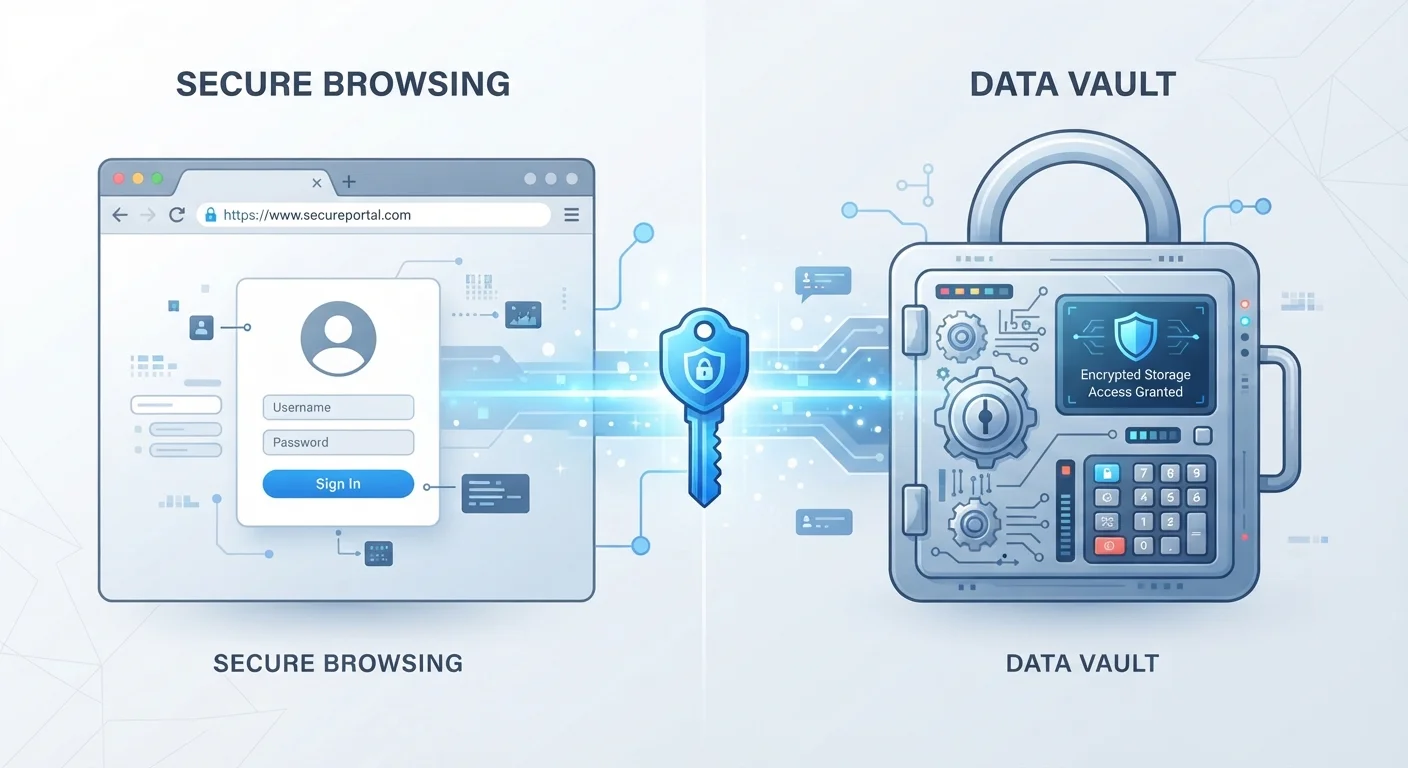
How Each System Actually Stores Your Passwords
When your browser asks "Save this password?" it stores your credentials locally, typically tied to your browser profile. Most modern browsers — Chrome, Safari, Firefox, Edge — also sync these credentials to the cloud when you're signed in to your browser account, so they follow you across your own devices. The encryption used varies by browser, but in most cases the protection is tied to your operating system login or browser account password.
A dedicated password manager works differently at its core. It stores all your credentials in an encrypted vault that only you can unlock using a master password. Reputable managers use a principle called zero-knowledge encryption, meaning the company itself cannot see your stored passwords — only you hold the key. That vault then syncs across devices and browsers through the manager's own secure infrastructure, completely independent of which browser you're using.
| Criterion | Browser Password Saving | Dedicated Password Manager |
|---|---|---|
| Encryption model | Tied to OS or browser account login | Zero-knowledge, master-password encrypted vault |
| Cross-browser support | One browser only | All major browsers via extensions |
| Cross-device sync | Within same browser ecosystem | All devices, any OS |
| Password generation | Basic or limited | Built-in, customizable |
| Breach/reuse alerts | Improving, but inconsistent | Standard core feature |
| Setup effort | None — built in | Requires account and app setup |
| Risk if device is unlocked | Passwords viewable in browser settings | Vault still requires master password |
Understanding these structural differences matters because they shape what happens when something goes wrong — a breach, a lost device, or an account takeover.
Where the Security Gaps Appear
Browser-saved passwords inherit the security of your browser login. If someone gains access to your unlocked computer or your browser profile, they can often view saved passwords directly — Chrome, for instance, has a built-in password viewer accessible from Settings. On shared or borrowed devices, this is a real exposure risk. Additionally, if your Google, Apple, or Microsoft account is compromised, so is every password stored in that browser's sync system.
Dedicated password managers compartmentalize that risk. Even if your email account is compromised, an attacker still faces the encrypted vault, which requires your master password to open. This separation is meaningful. Many managers also support two-factor authentication on the vault itself, adding another barrier that browser saving typically does not offer.
What 'Zero-Knowledge' Actually Means
Zero-knowledge encryption means the password manager provider encrypts your vault on your device before it ever reaches their servers. They store only the scrambled, unreadable version — without your master password, even they cannot see what's inside. This is distinct from browser sync, where the browser provider technically holds decryption keys tied to your account login.
One area where browser saving is genuinely weaker: password generation and auditing. Dedicated managers routinely generate strong, unique passwords and flag reused or compromised ones. Browser tools are improving here, but password managers have offered this as a core feature for much longer.
Portability, Convenience, and Ecosystem Lock-In
Browser password saving is deeply convenient precisely because it's invisible — the prompt appears, you click save, and it works automatically on that browser going forward. The friction is nearly zero. The trade-off is lock-in: passwords saved in Chrome don't travel easily to Safari, and vice versa. If you ever switch browsers or operating systems, exporting and migrating those credentials is a manual process most people never bother with.
Password managers are designed to be portable. They provide browser extensions for every major browser and apps for iOS, Android, Windows, and macOS simultaneously. Your vault follows you regardless of which device or browser you're on. This cross-platform flexibility is a significant practical advantage for anyone whose digital life spans more than one device or household member.
80%+
Data breaches involving stolen or weak passwords
Verizon's annual Data Breach Investigations Report has consistently found that compromised credentials are involved in the large majority of breaches.
~100
Average number of passwords per person
Password management research has estimated that the typical internet user manages close to 100 online accounts, making manual tracking impractical.
For a broader picture of how browsers quietly manage your data, our explainer on what browsers actually store and why covers the fuller picture. And if you're building out your overall account security habits, practical digital account security is a natural next read.
This article provides general educational information about password storage options and is not a security assessment of any specific product or service. Evaluate any security tool against your own needs and consult current, official documentation for the most up-to-date details.